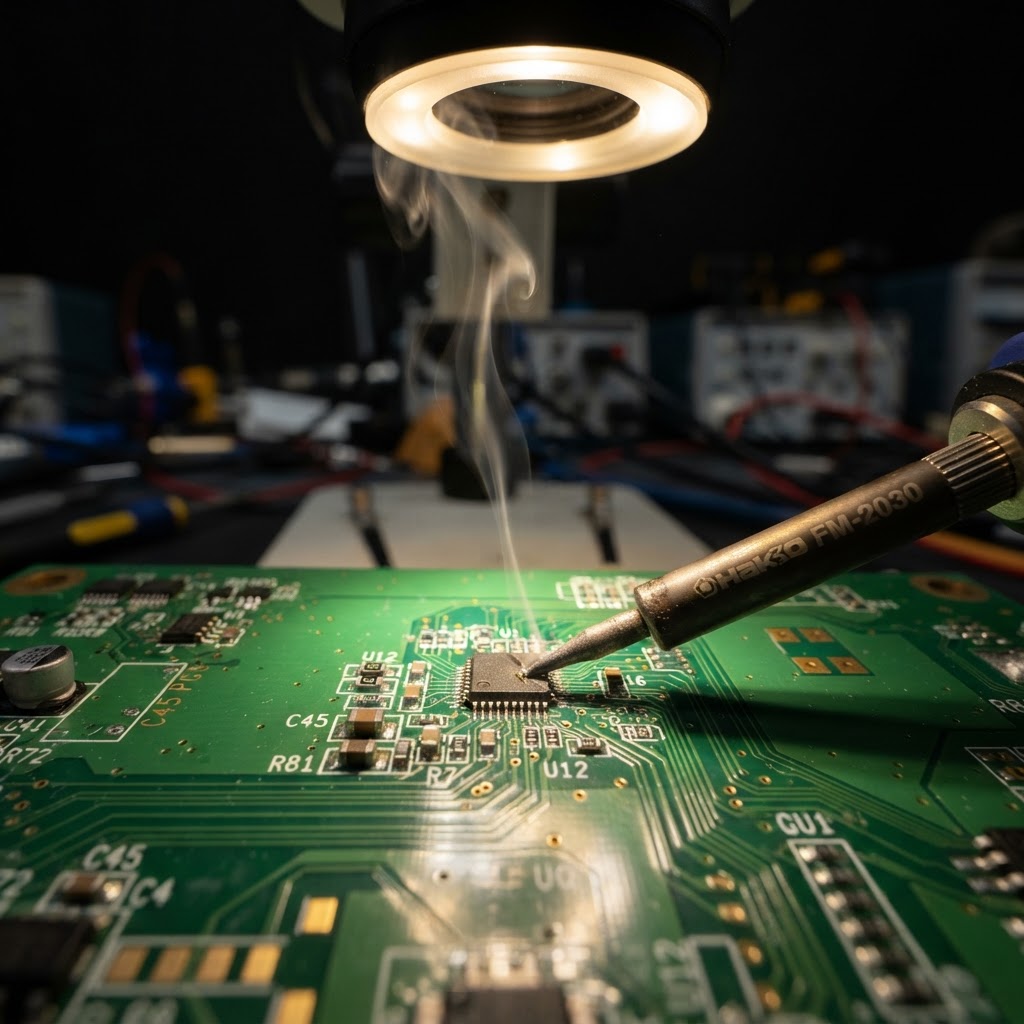
USB-C has become the standard charging connection for many modern laptops. It is compact, reversible and capable of carrying both power and data. But when USB-C charging stops working, the problem is not necessarily the USB-C connector itself.
The fault can originate from the charger, the cable, the connector, the USB-C Power Delivery communication, the protection circuitry, MOSFETs, the charging controller or another component on the motherboard. At Laptop Repair Shop, these problems are diagnosed down to component level whenever technically possible — rather than automatically replacing the complete motherboard.
Common Symptoms of USB-C Charging Problems
USB-C charging faults can appear in many different ways:
- · Laptop does not charge at all
- · USB-C connector feels loose
- · Charging works only when the cable is held at a certain angle
- · Charging starts and stops intermittently
- · Battery does not charge even though the charger is detected
- · Laptop reports an incorrect or low-power charger
- · One USB-C port works while another does not
- · Laptop remains completely dead when connected to USB-C power
Similar symptoms can have completely different electrical causes. A loose connector and a dead laptop can both look like "USB-C not charging", yet require very different repairs. This is why proper diagnosis is important before any component is replaced.
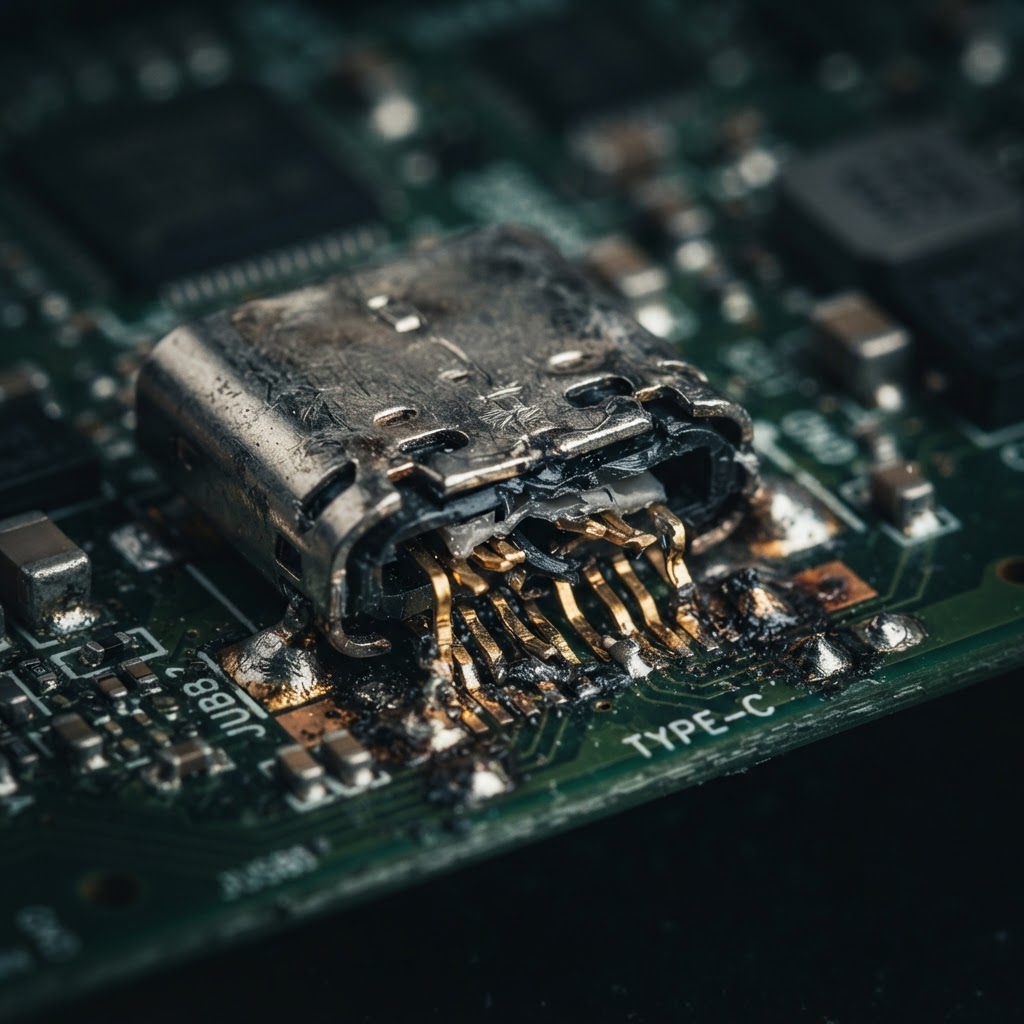
1. Worn or Physically Damaged USB-C Port
A USB-C connector contains many small contacts and fine solder connections. Repeated use, sideways cable pressure, accidental pulling or a minor impact can cause:
- · Broken internal contacts
- · Bent contacts
- · A loose connector
- · Damaged solder joints
- · Damage to the PCB pads
The connector is inspected under magnification or a microscope and, when necessary, replaced or resoldered at component level.
2. Dirt, Liquid Damage or Corrosion
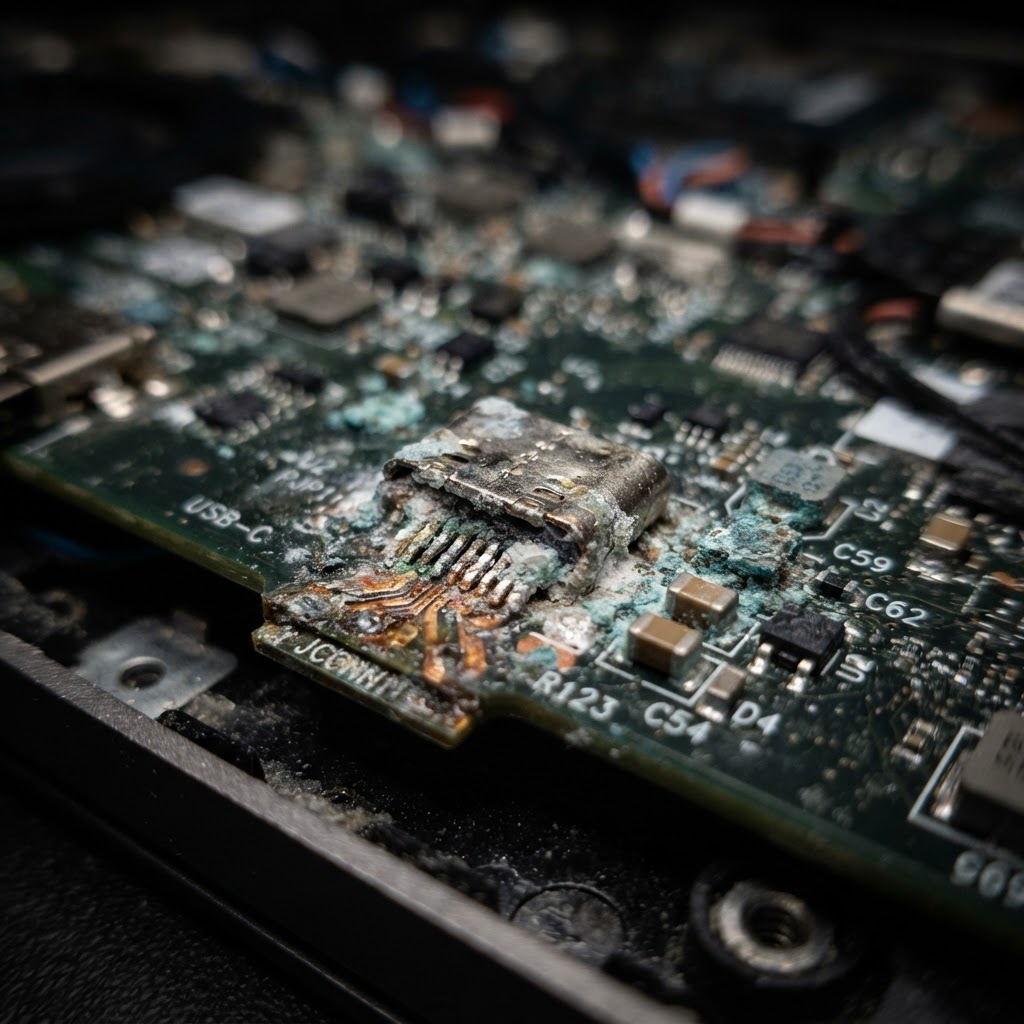
Contamination inside the connector can prevent proper electrical contact between the cable and the laptop. But liquid exposure can also cause corrosion — not only inside the connector, but also around nearby motherboard components and the charging circuitry.
Cleaning the visible connector alone may therefore not solve the problem. The surrounding charging circuit must also be inspected for oxidation and corrosion damage.
3. Defective USB-C Charger or Cable
Diagnosis should always begin by eliminating external causes. A defective cable, an incompatible charger or a damaged Power Delivery adapter can prevent the laptop from negotiating the correct voltage.
Testing with a known-good USB-C Power Delivery charger and cable is an important diagnostic step that can save unnecessary repair work on the laptop itself.
4. USB-C Power Delivery Negotiation Failure
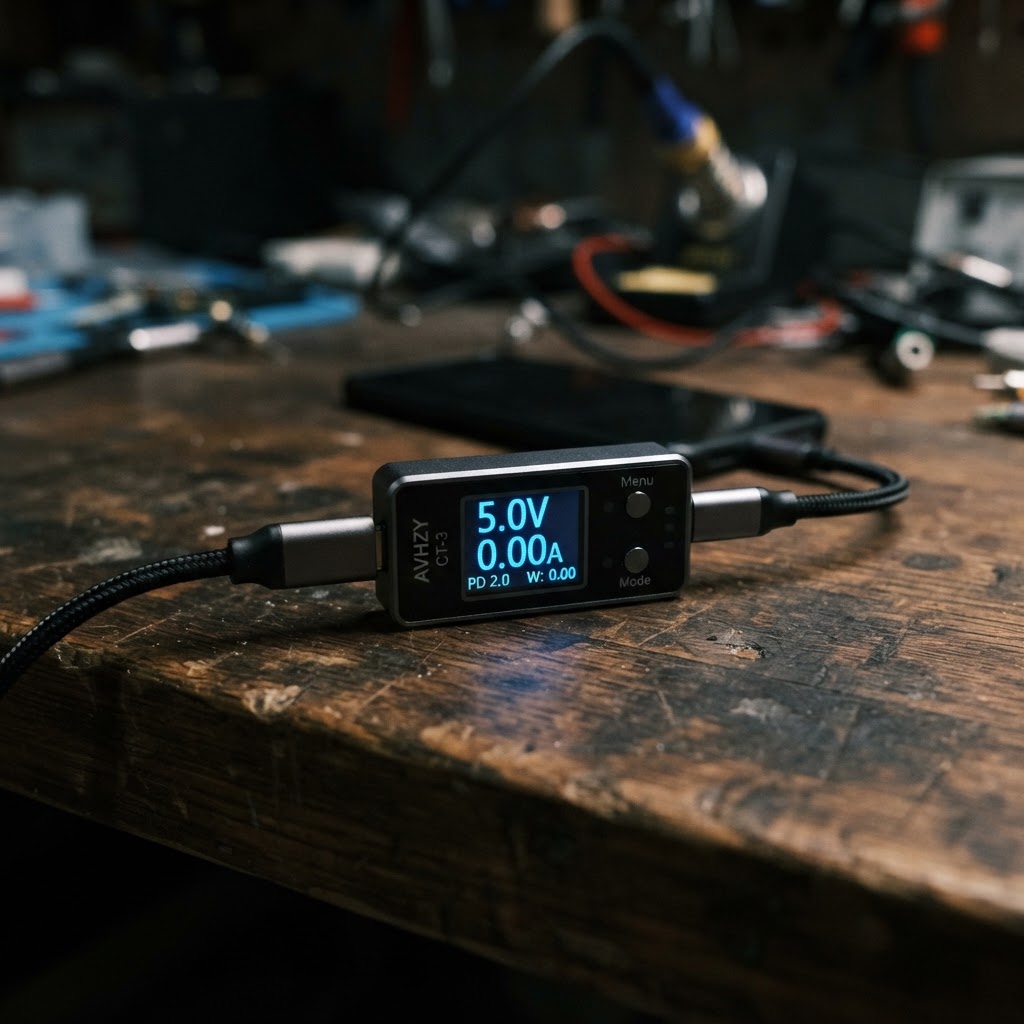
USB-C charging does not simply apply 20 V directly to the laptop. When a charger is connected, the charger and laptop communicate through the USB-C Power Delivery system. Depending on the device, voltages such as:
5 V → 9 V → 15 V → 20 V
may be negotiated. If Power Delivery communication fails, the charger may remain at 5 V instead of switching to 20 V, which is not enough to charge or power a laptop.
Possible causes include:
- · USB-C Power Delivery controller failure
- · CC1 / CC2 communication problems
- · Damaged protection components
- · Connector damage
- · Faults in the surrounding motherboard circuitry
5. Failed Protection Components or MOSFETs
The voltage from the USB-C connector does not normally travel directly into the laptop. The input power circuit can contain:
- · MOSFETs
- · Current-sense circuitry
- · Protection ICs
- · Fuses
- · Over-voltage protection
- · Power switching circuitry
A single defective component in this path can prevent the charging voltage from reaching the rest of the motherboard — even when the USB-C connector itself is working correctly. Voltage measurements along the power path can identify exactly where the charging sequence stops.
6. Short Circuit on the Motherboard
A short circuit further inside the motherboard can also cause a laptop to appear to have a USB-C charging problem. Component-level diagnosis may include:
- · Resistance measurements
- · Diode-mode measurements
- · Voltage measurements
- · Current consumption analysis
- · Bench power supply testing
- · Thermal inspection
These steps demonstrate that genuine motherboard diagnostics are performed, rather than simply assuming the board is defective.
7. Charging IC or Motherboard Circuit Failure
Successful USB-C Power Delivery negotiation does not necessarily mean the battery charging circuit is functioning correctly. The laptop can receive the correct input voltage while a problem remains in:
- · The charging controller
- · The battery charging circuit
- · The power-path circuitry
- · Associated motherboard components
“USB-C not charging” does not automatically mean “USB-C port defective.”
Proper diagnosis should establish where the charging sequence fails before any components are replaced.
Why Component-Level Repair Matters
Many repair centres may classify a USB-C charging fault as a motherboard failure and recommend replacing the entire motherboard. At Laptop Repair Shop, the objective is first to identify the actual defective circuit or component.
Where technically and economically viable, the existing motherboard can potentially be repaired by replacing only the defective USB-C connector, controller IC, MOSFET or another individual component.
Not every motherboard can be repaired — the result always depends on the actual damage and the diagnostic findings. But where repair is possible, it is often significantly cheaper than a full board replacement.